Give your
web apps a home.
A native workspace for your web apps. Free and open source.
macOS 15+ · Apple silicon and Intel
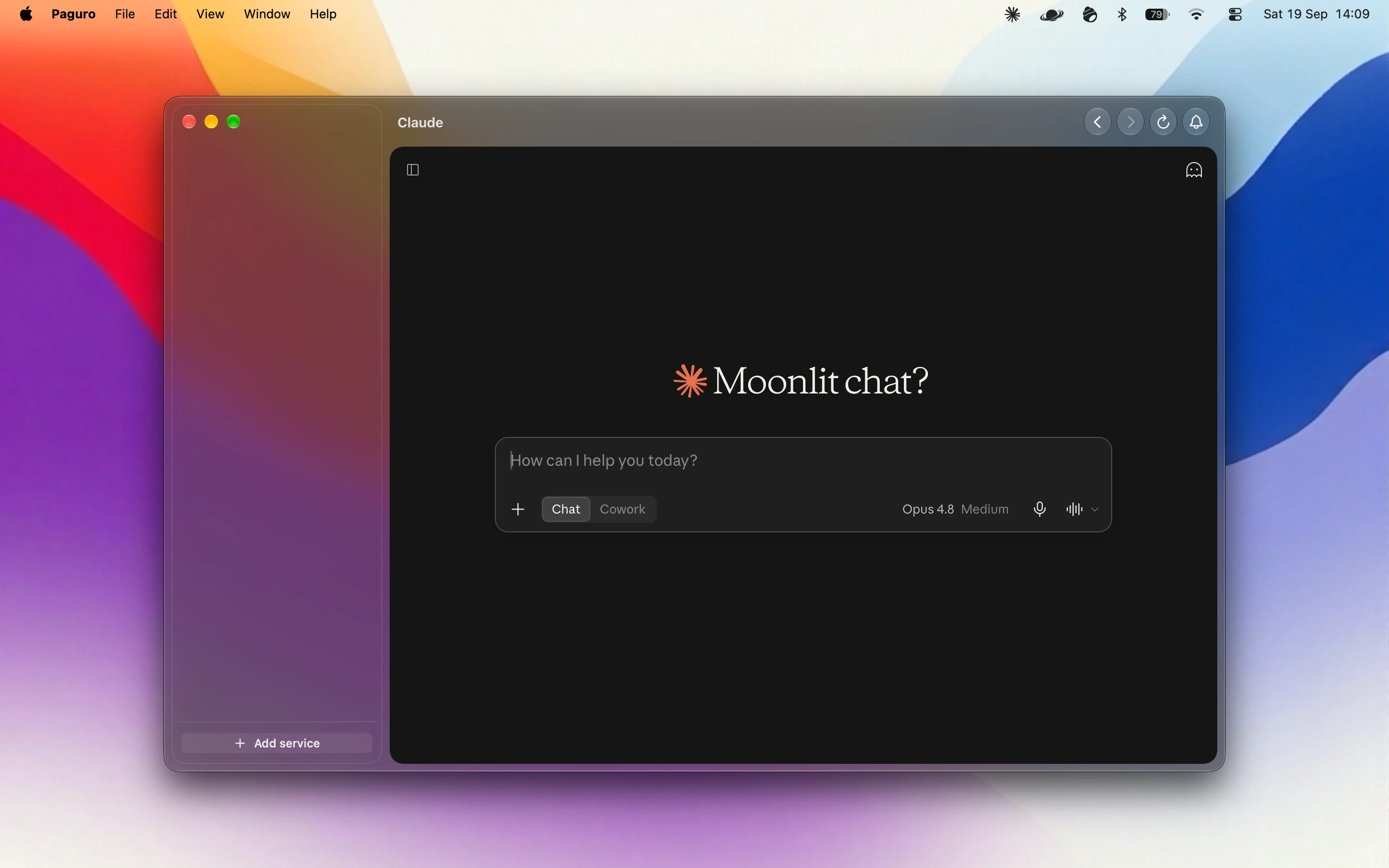







Work. Life. Everything in between.
Give each part of your day its own workspace. Keep all your accounts signed in, with a separate session for each one.
A place for every account.
Keep work and personal accounts signed in side by side. Give each its own session, and group your apps into workspaces.
Quiet when you need it.
Mute one app, a workspace, or everything. Set quiet hours for the moments that need your attention.
Step away. Close the door.
Lock Paguro with Touch ID or your Mac password. Services and new notifications stay hidden until you return.
No extra account. No telemetry.
Your sessions stay on your Mac, with no Paguro account or app telemetry. Built-in blocking helps stop requests to known ad and tracking domains.
Familiar faces. All welcome.

Pick from the catalog, or bring a website of your own.
A few things to know.
Is Paguro really free?
Yes. Paguro is free and open source, with no paid feature tiers. The websites you use may require their own accounts or subscriptions.
Which services can I use?
Choose from the service catalog or add a website by URL. Most web services work as they do in a browser, but some providers restrict embedded browsers. Passkey sign-in is not currently supported; use another sign-in method where available.
Do I need a Mac with a notch?
No. Workspaces, services, and macOS notifications work without one. The notification island is an optional feature for compatible notched displays.
Does it sync my logins between Macs?
No. Each account has its own local session. Configuration export moves your setup, not cookies or login sessions, so you sign in separately on each Mac.
Do sleeping services still send notifications?
Fully hibernated services stop their live web activity, so new notifications may not arrive until you open them again. Keep messaging and email services awake if you need live notifications. You can set hibernation separately for each service.
What happens when I close the window?
Closing the window keeps Paguro available in the menu bar. Services can continue running and showing notifications. Command-Q quits the app and stops its activity.
Which Macs are supported?
macOS 15 or later · Apple silicon and Intel
Found a bug? Open an issue on GitHub. Anything else: hello@anguria.studio.