A tidy Mac.
Nothing lost.
A free, open-source Mac cleaner for caches, duplicate files, and app leftovers. You review what goes.
macOS 15+ · Apple silicon and Intel
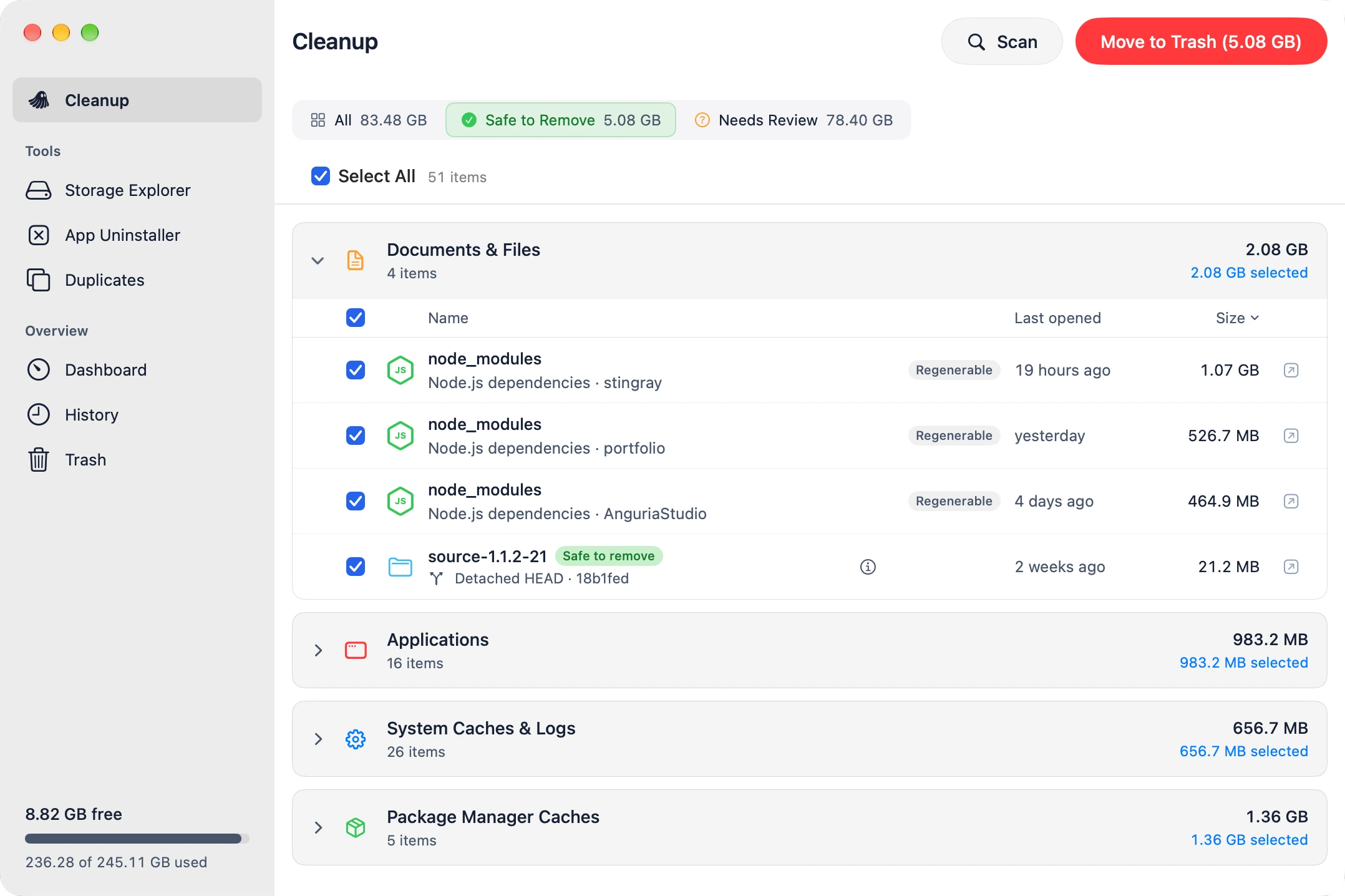
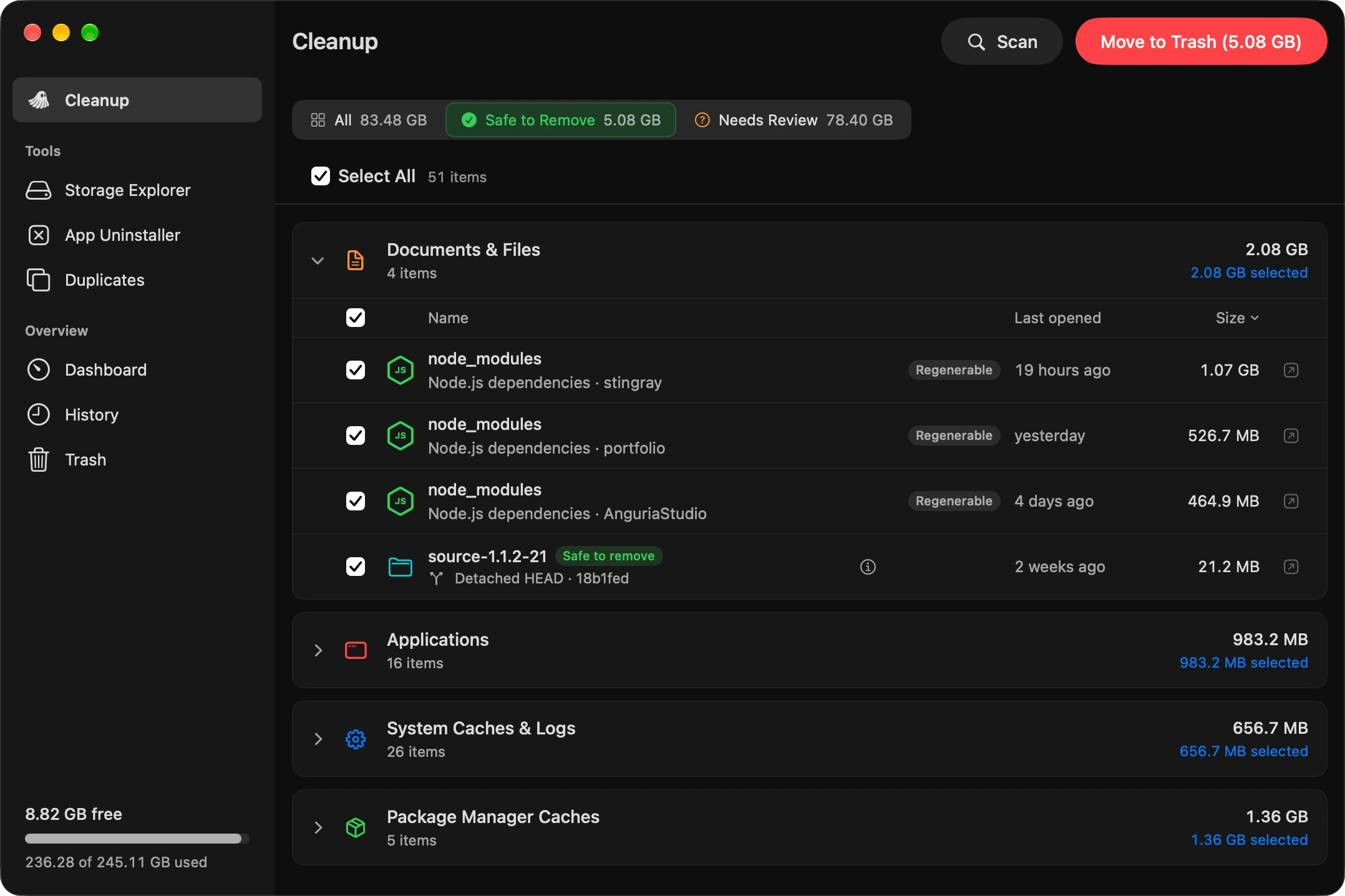
Free up space. You choose what goes.
Moppo finds what’s taking space and tells you which parts are safe to remove. You decide what goes, with a chance to put files back.
Safe to remove, or needs a look.
Every item is sorted into what Moppo can safely suggest and what deserves a second look: your documents, worktrees with local changes, apps still in use.
Files go to the Trash.
Cleanup files go to the Trash, with a record in History. Changed your mind? Use Put Back while those files are still there.
Duplicates, verified.
Files are compared by content, not just by name. Review identical and similar photos, and choose which copy to keep.
No account. No telemetry.
Your scans stay on your Mac. No sign-in, no tracking, no uploads of your files. The source is on GitHub if you want to check.
Knows what not to touch.
Git worktrees with uncommitted changes, files used by running apps, and your personal documents deserve a closer look. Moppo flags them for review before you remove anything.
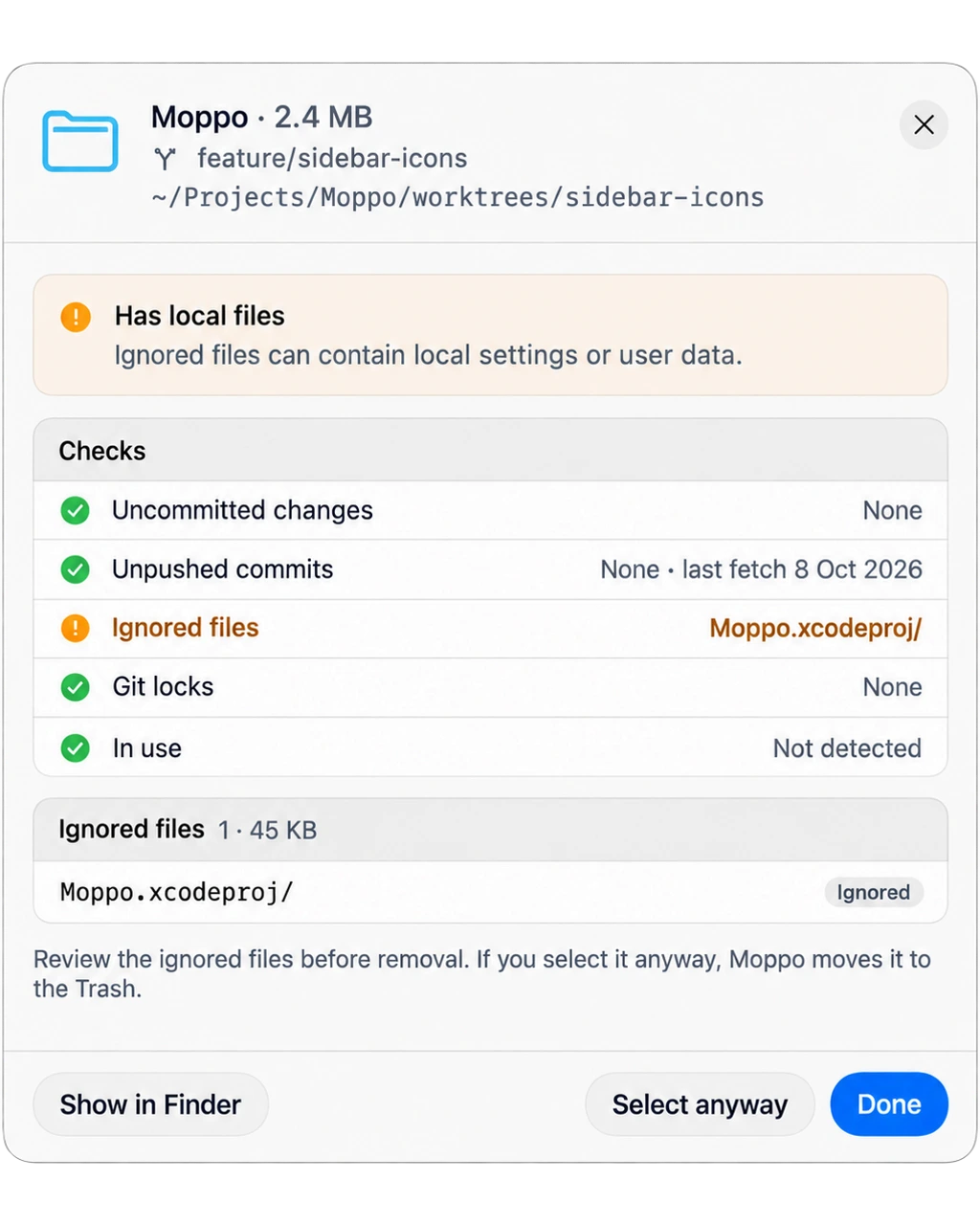
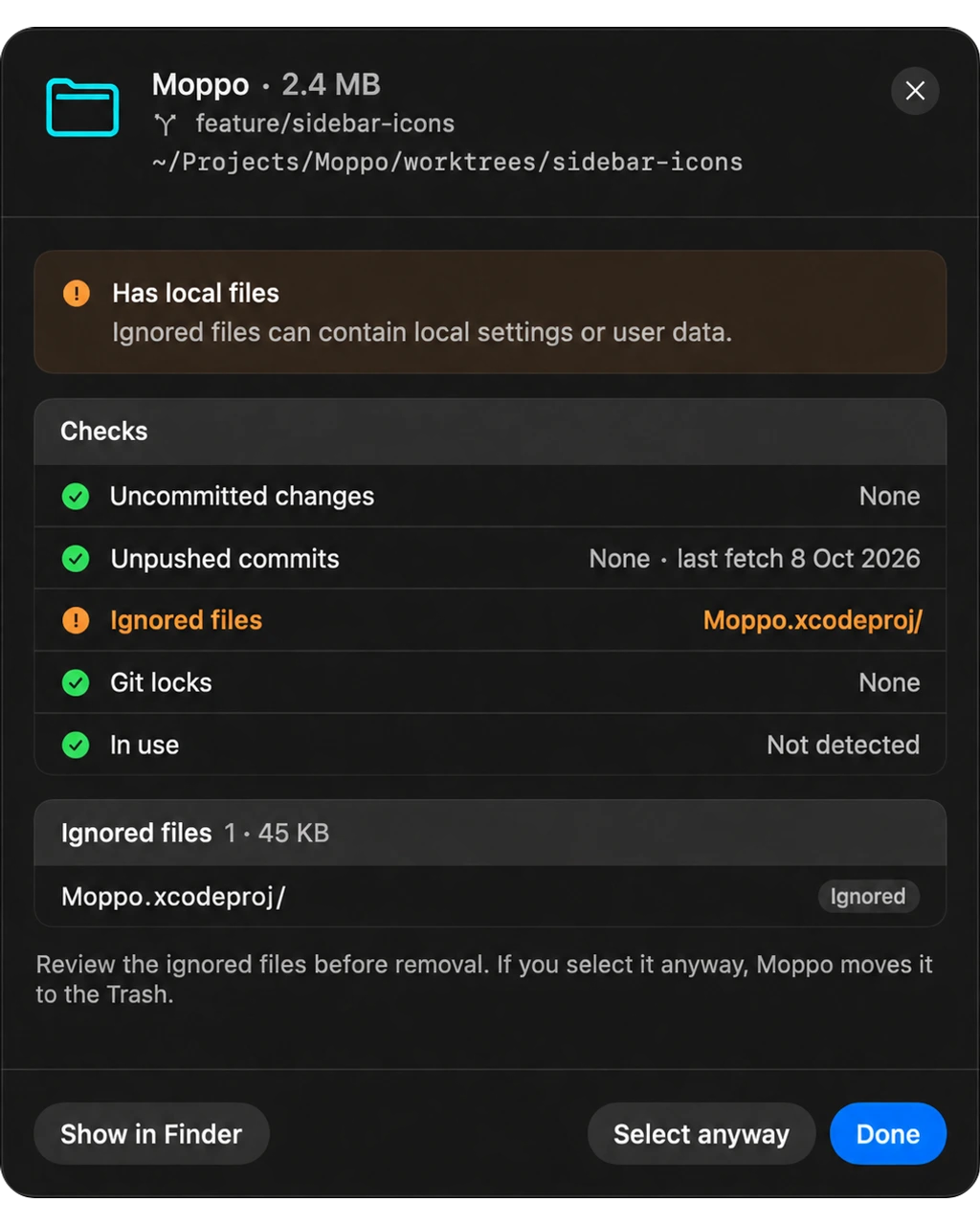
Git-aware.
Worktrees with uncommitted changes, unpushed commits, or ignored local files are flagged for review.
In use? Hands off.
Files and worktrees used by a running app or process are flagged, so you can quit it first.
A full history.
Check what was removed, when it happened, and the recorded size. Put eligible files back from the same place.
A few things to know.
Is Moppo really free?
Yes. Moppo is free and open source under the MIT license. No subscription, paid feature tiers, or account required.
Does Moppo delete anything on its own?
No. Scheduled scans can find things to review, but you choose what to remove. Safe to Remove is a suggestion, not permission to clean up automatically. Emptying the Trash is a separate action that asks for confirmation.
Can I undo a cleanup?
Use Put Back in History to restore eligible files while they are still in the Trash. Once the Trash is emptied, those files cannot be restored by Moppo. Packages removed through Homebrew and Docker images are exceptions: their removal tools do not support Put Back.
Why does Moppo ask for Full Disk Access?
macOS protects some folders from apps. Full Disk Access lets Moppo inspect protected locations for a more complete scan. You can continue with limited access, and Moppo reports what it cannot read. Scheduled scans and automatic storage measurements require Full Disk Access. You control the permission in System Settings.
Why isn’t it on the App Store?
The Mac App Store requires apps to use Apple’s sandbox, which limits access to files outside an app’s own container. Moppo needs broader access to inspect caches, app leftovers, and developer folders across your Mac, so it is distributed as a direct download.
Does it collect any data?
Moppo does not collect telemetry or upload scanned files, paths, or photos. Settings, measurements, and cleanup history stay on your Mac. Optional update checks contact the update server, and features that use Photos, iCloud, or Homebrew follow those services’ own settings.
Which Macs are supported?
Moppo runs on macOS 15 or later, on both Apple silicon and Intel Macs.
Found a bug? Open an issue on GitHub. Anything else: hello@anguria.studio.