Subscriptions,
stacked and sorted.
Obolo is a simple subscription tracker for Mac with pretty charts. See where your money goes and how prices change over time.
macOS 15+ · Apple silicon and Intel
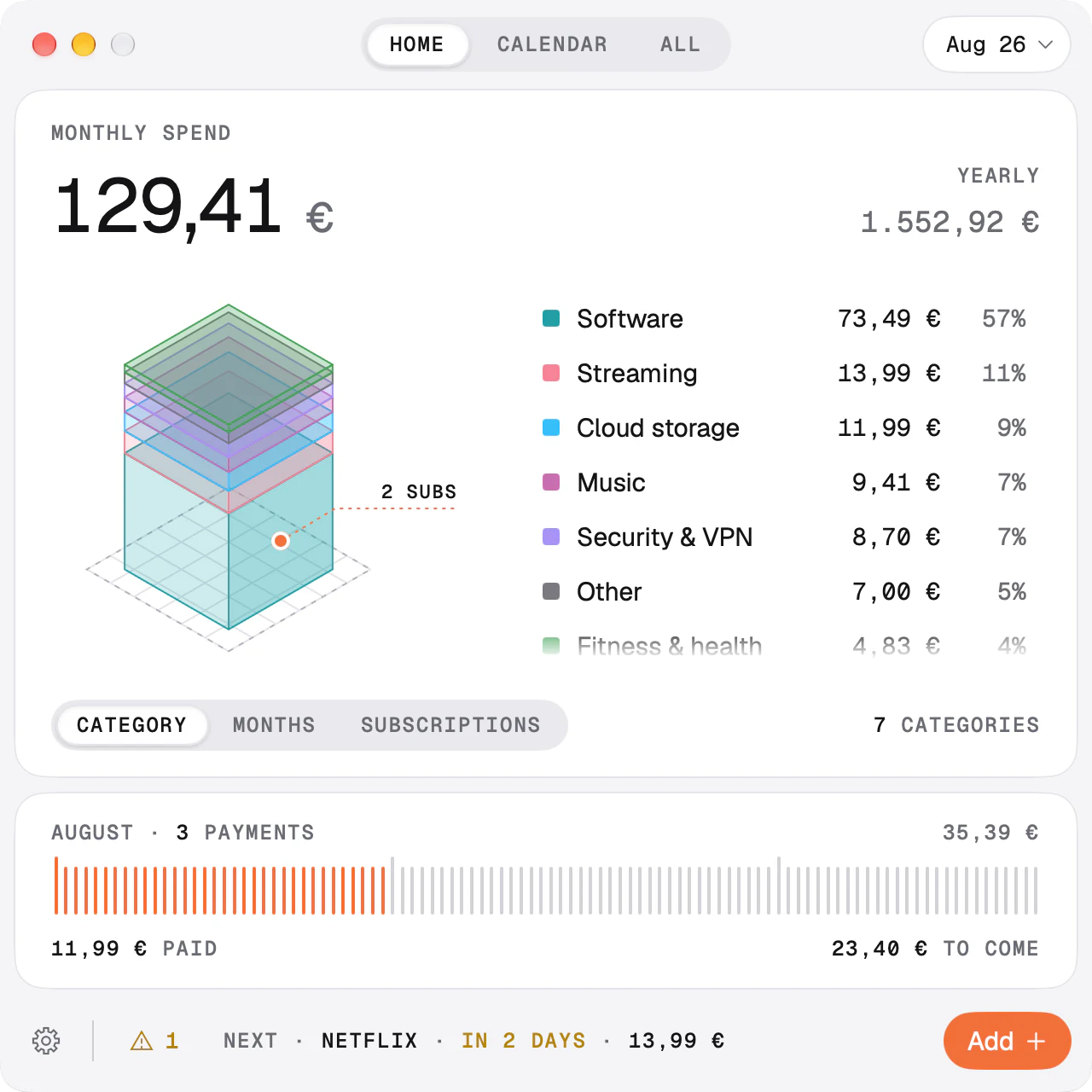
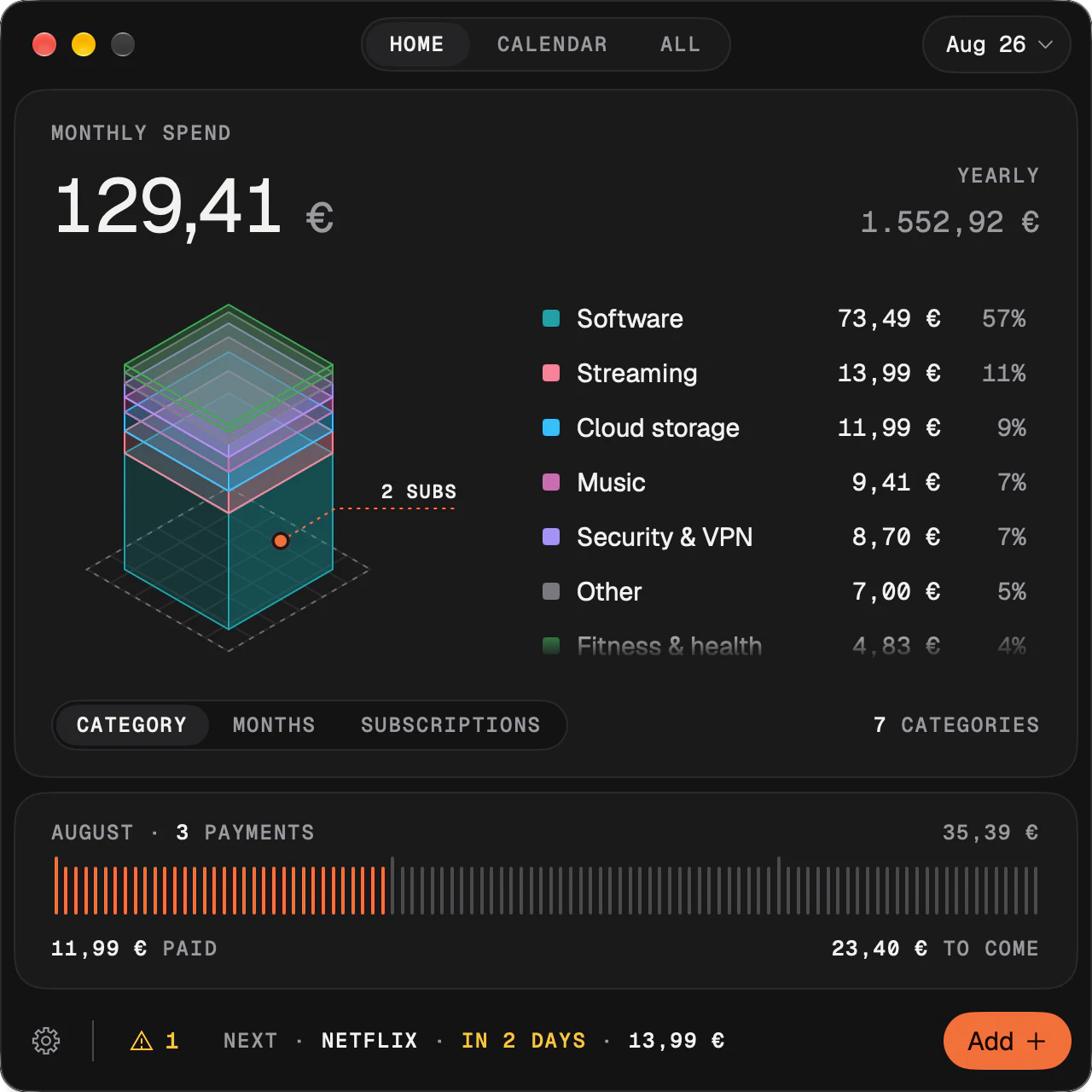
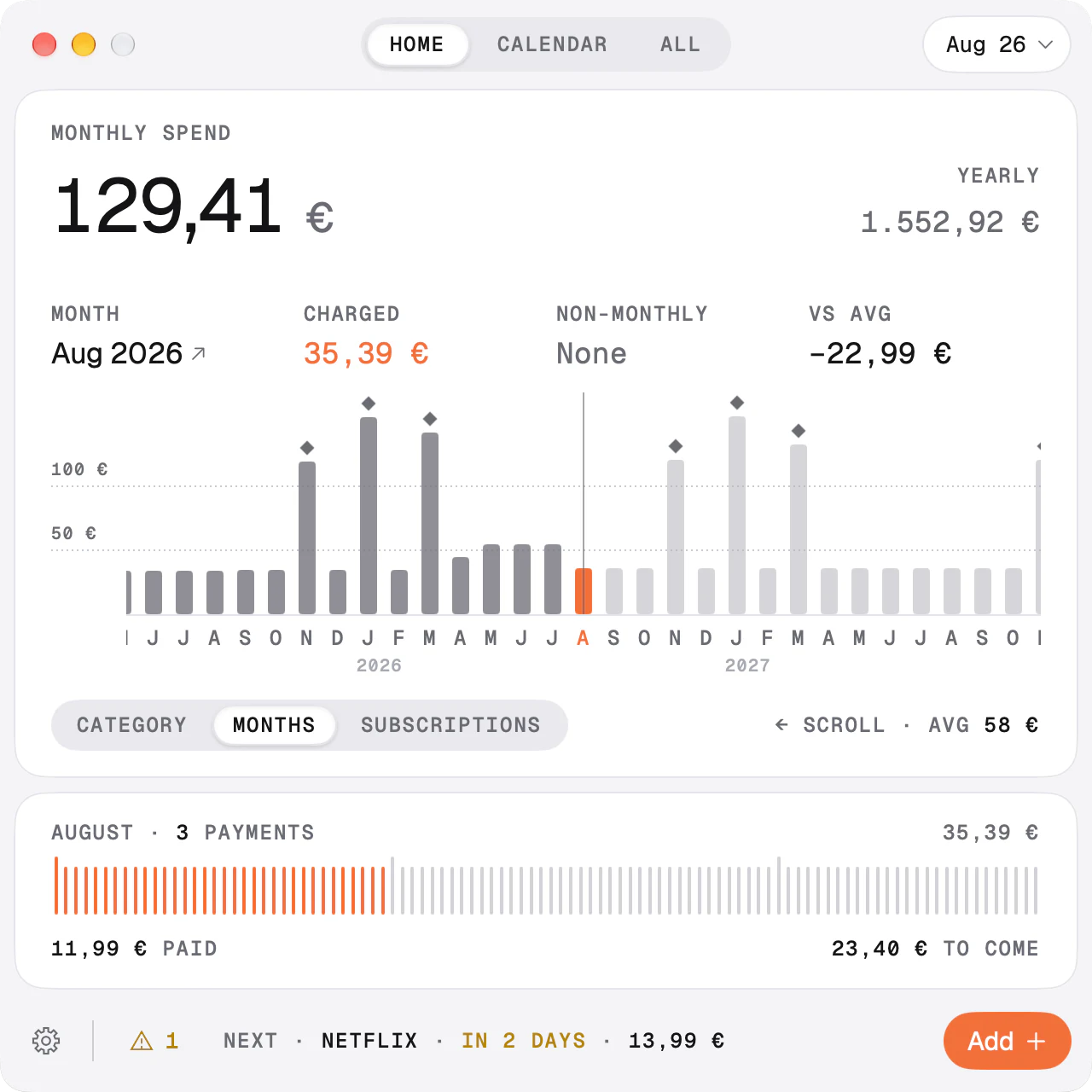
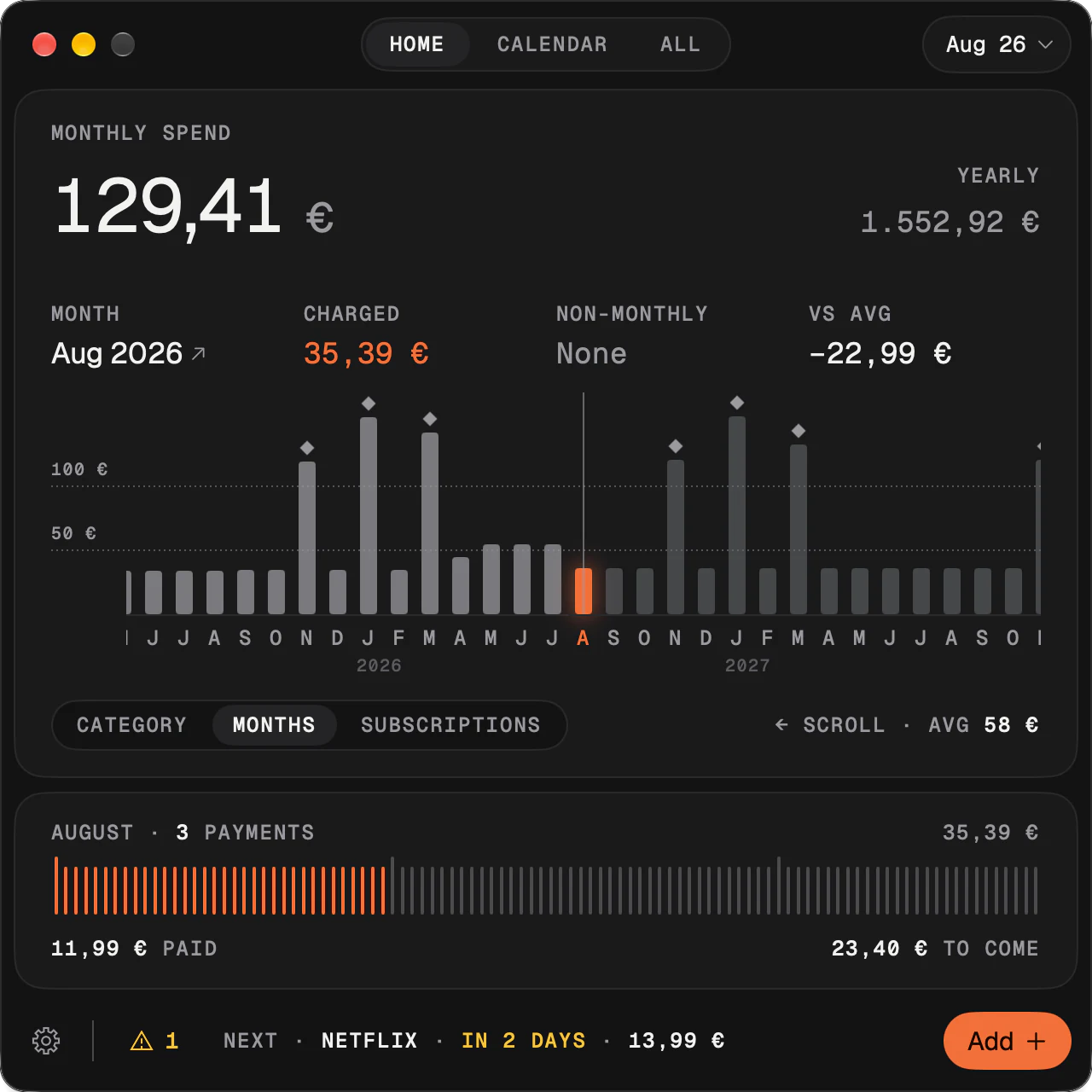
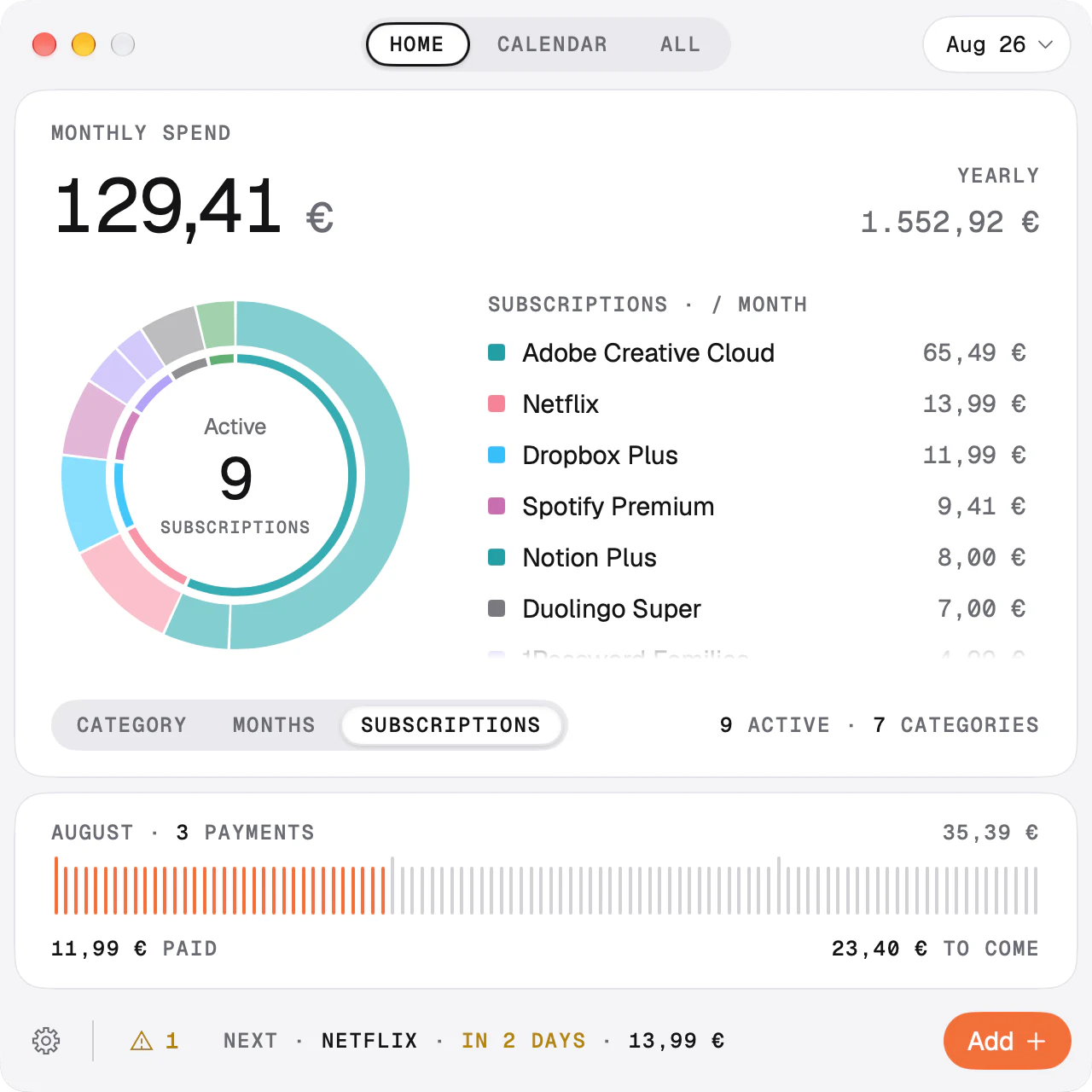
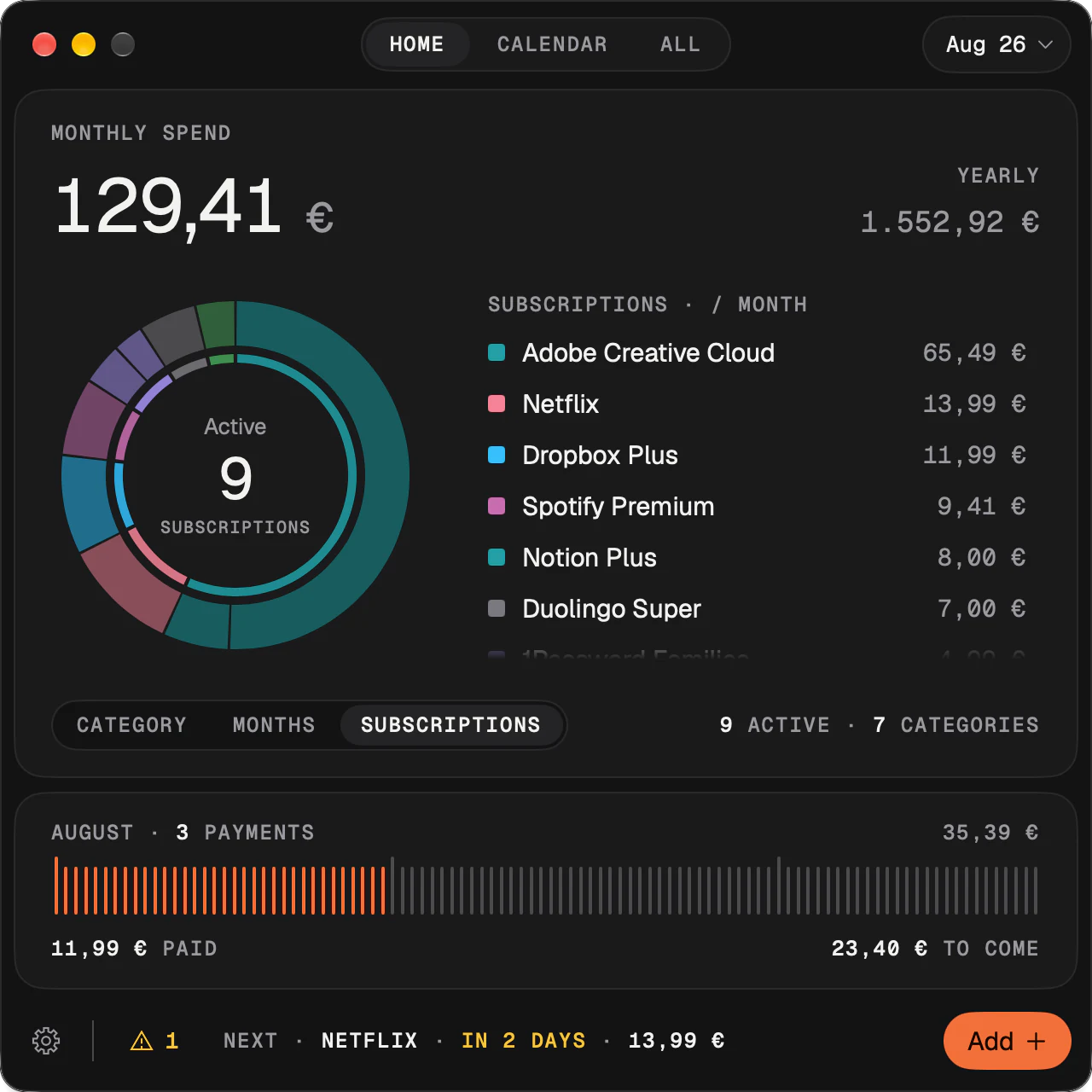
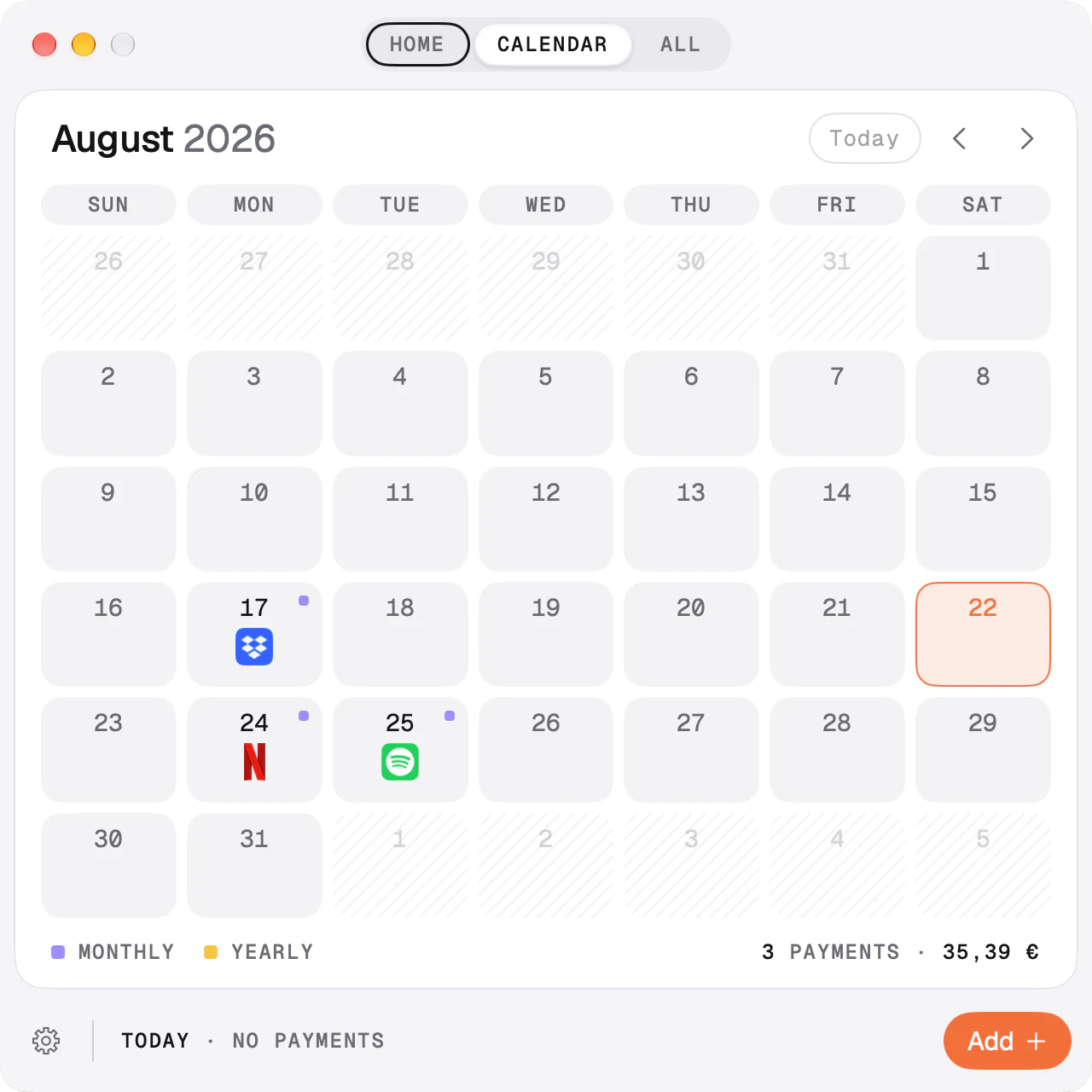
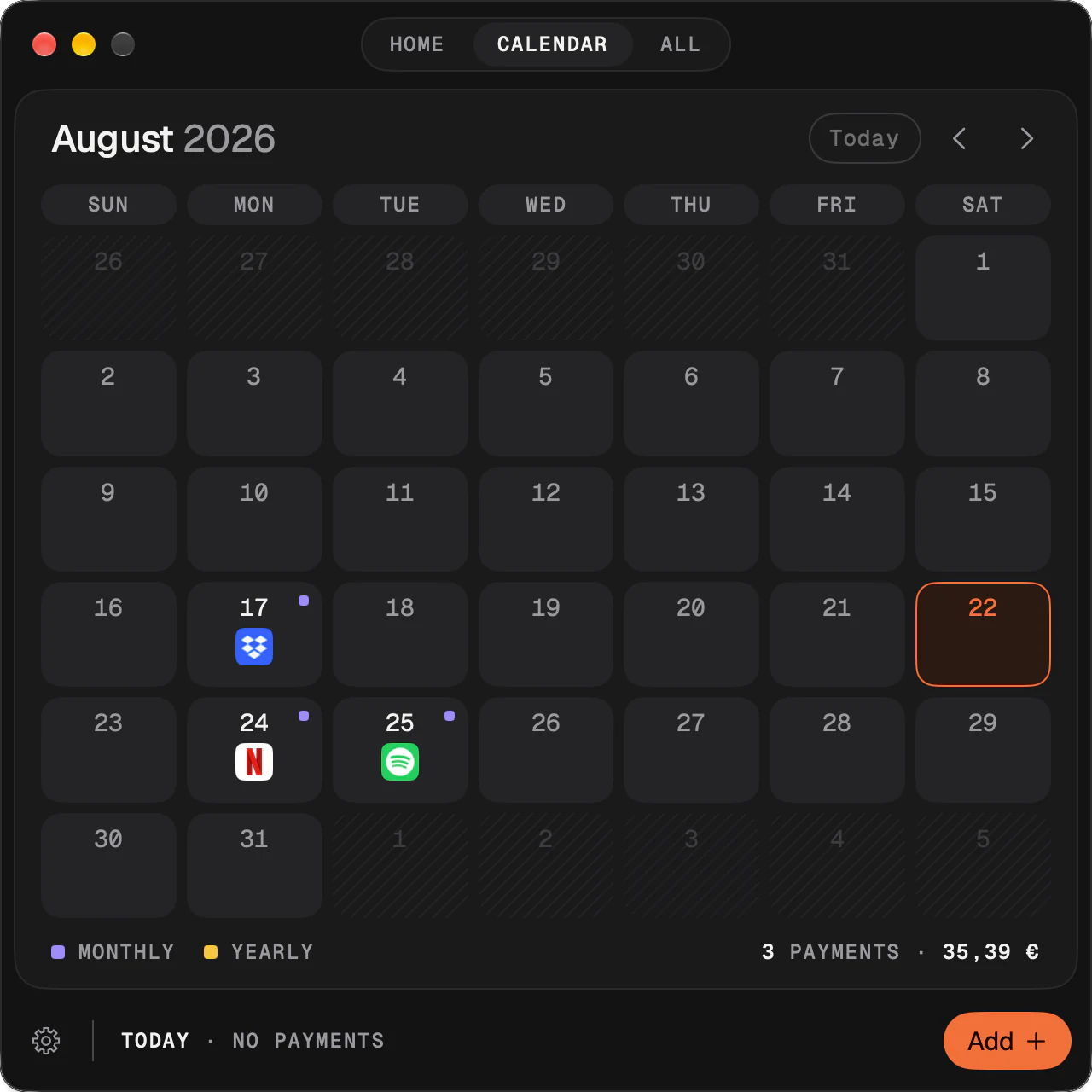
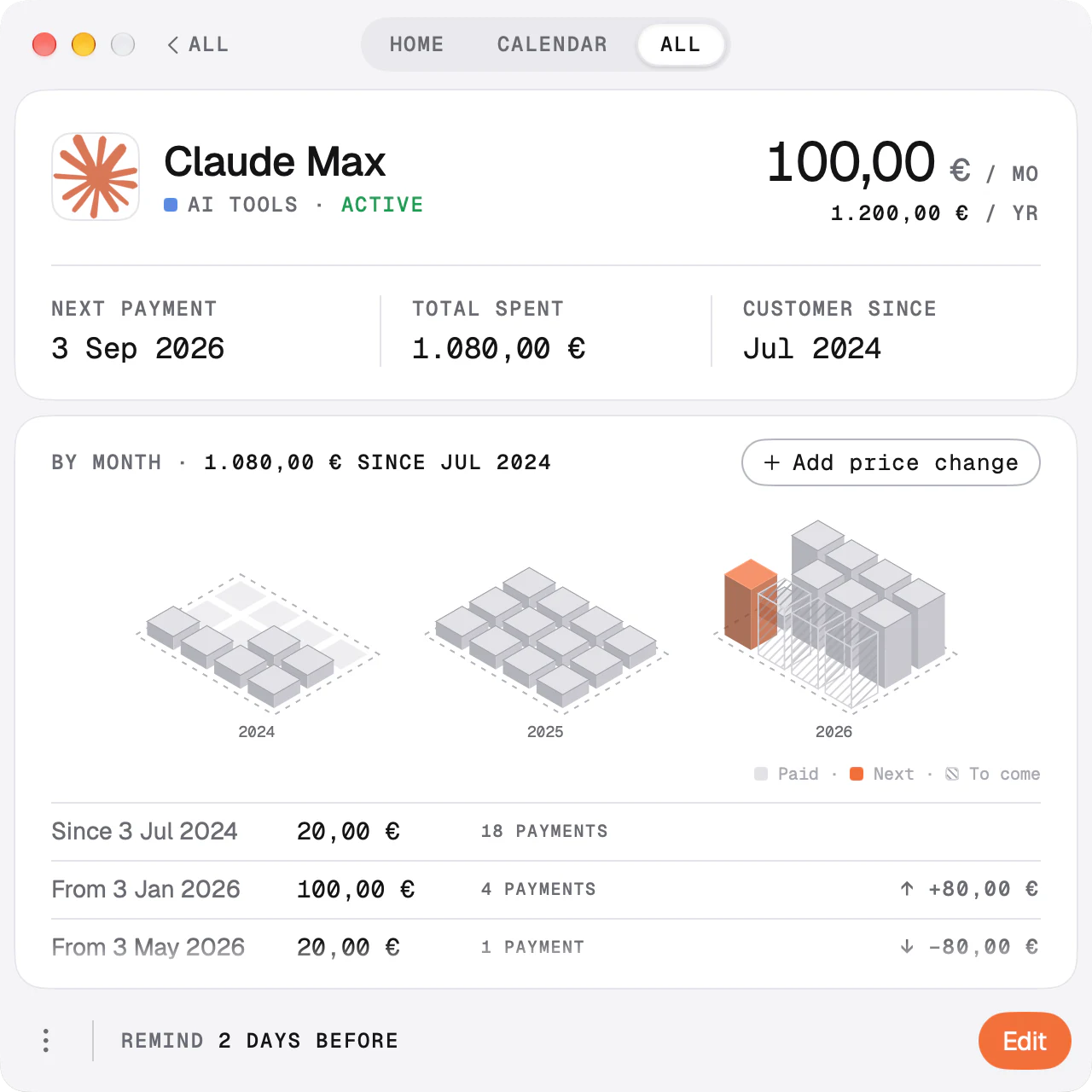
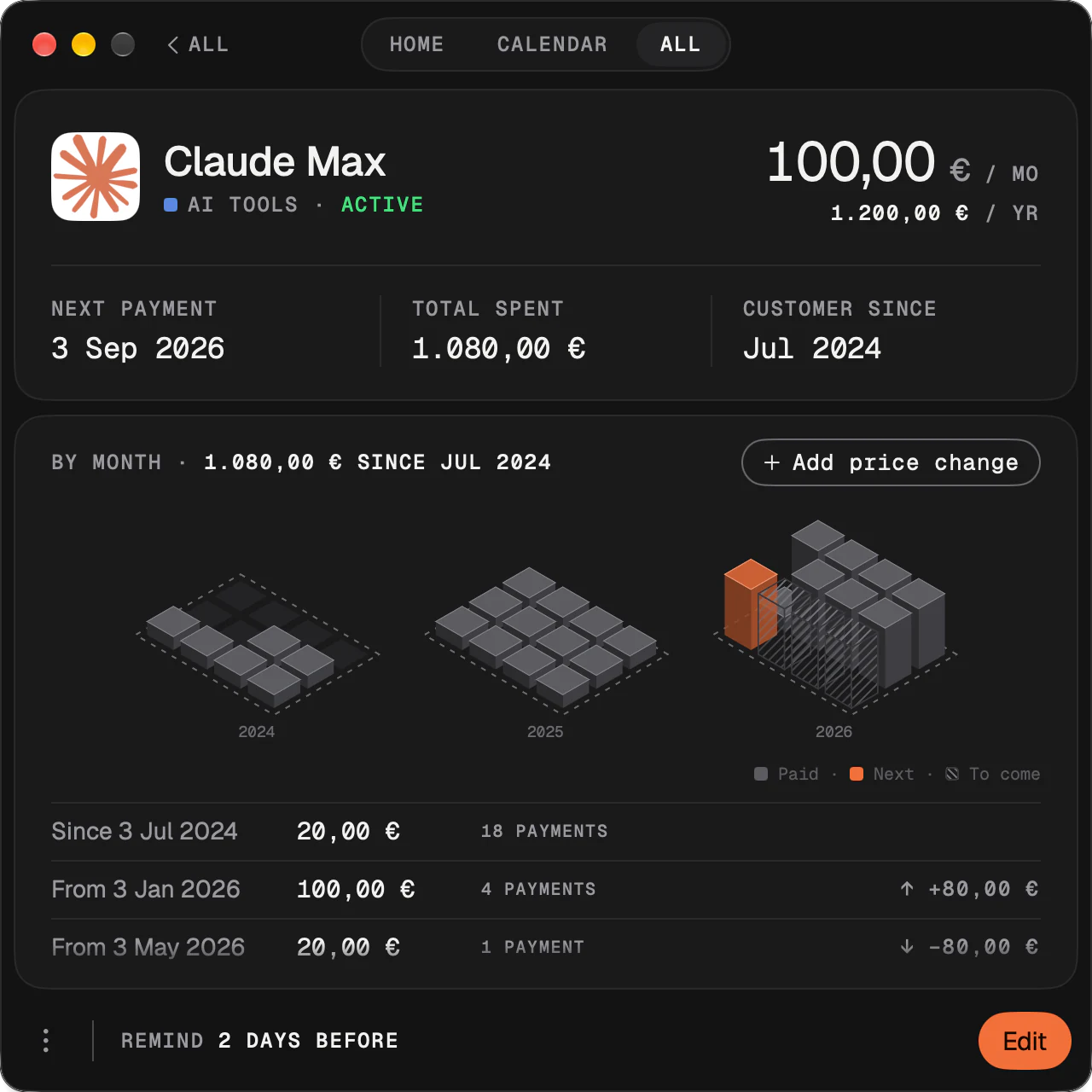
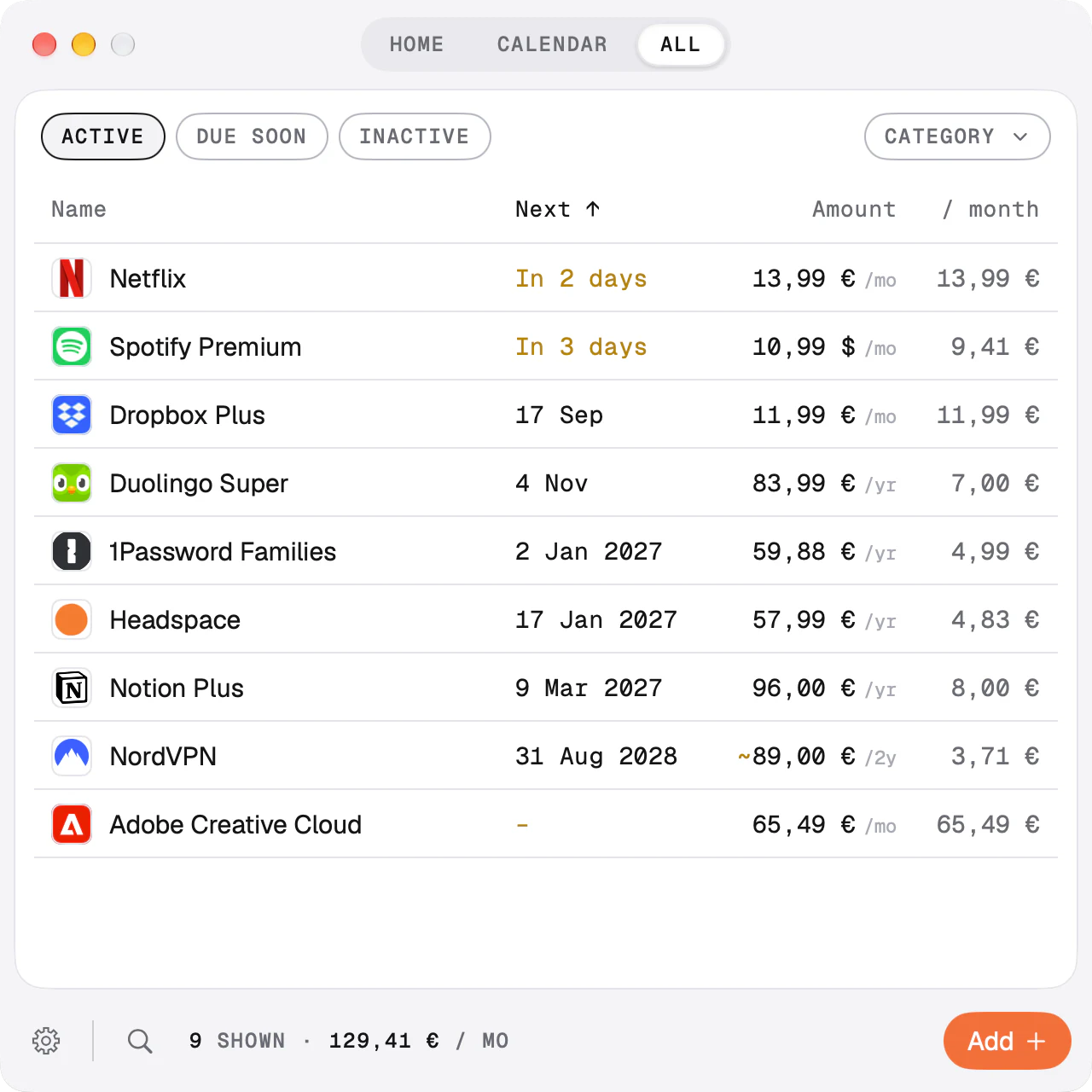
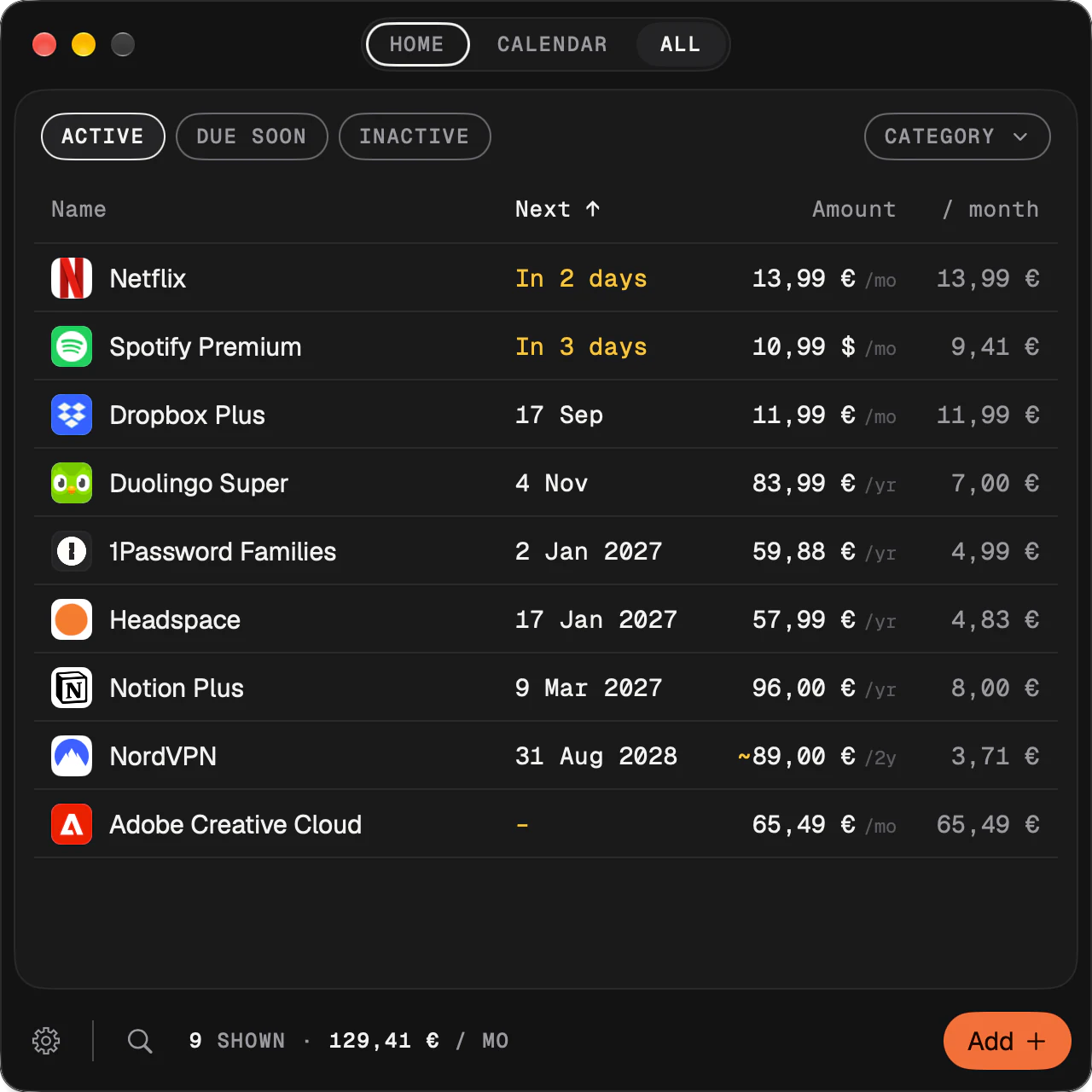
See where your money goes
Compare recurring costs across months, categories, and individual subscriptions. The monthly view shows when annual renewals make a month more expensive.
Monthly and yearly totals
See how much goes to software, streaming, or any category you track. Switch to Subscriptions to see what each service contributes.
Renewals on your calendar
Pick a day to see what’s due, set a reminder, or add payments to Apple Calendar. Keep the next payment in your Mac’s menu bar.
A record of price changes
Log a price change when it takes effect. Your payment history keeps the original amount and currency.
Multiple currencies, one total
Keep each subscription in its original currency and compare spending in the currency you choose. Obolo shows you when an exchange rate is missing.
A few things to know
How do I install Obolo?
Download Obolo using the button above, open the disk image, and drag Obolo into Applications. It runs on Apple silicon and Intel Macs with macOS 15 Sequoia or later.
Is Obolo open source?
Yes. The source is available on GitHub under the MIT license.
Where does Obolo keep my subscription data?
Obolo saves your library on your Mac. You can turn on iCloud sync to use the same library across your Macs. Obolo requires no account of its own and collects no telemetry.
Can I bring in my existing subscriptions?
Yes. Drop a CSV onto the Obolo window and review the import preview before adding anything. You can also export a CSV or save a JSON backup of your library and settings.
Does Obolo work with Apple Shortcuts?
Yes. Use Shortcuts to show your next renewal, open upcoming subscriptions, or add a subscription.
Found a bug? Open an issue on GitHub. Anything else: hello@anguria.studio.